 The Good Sign Company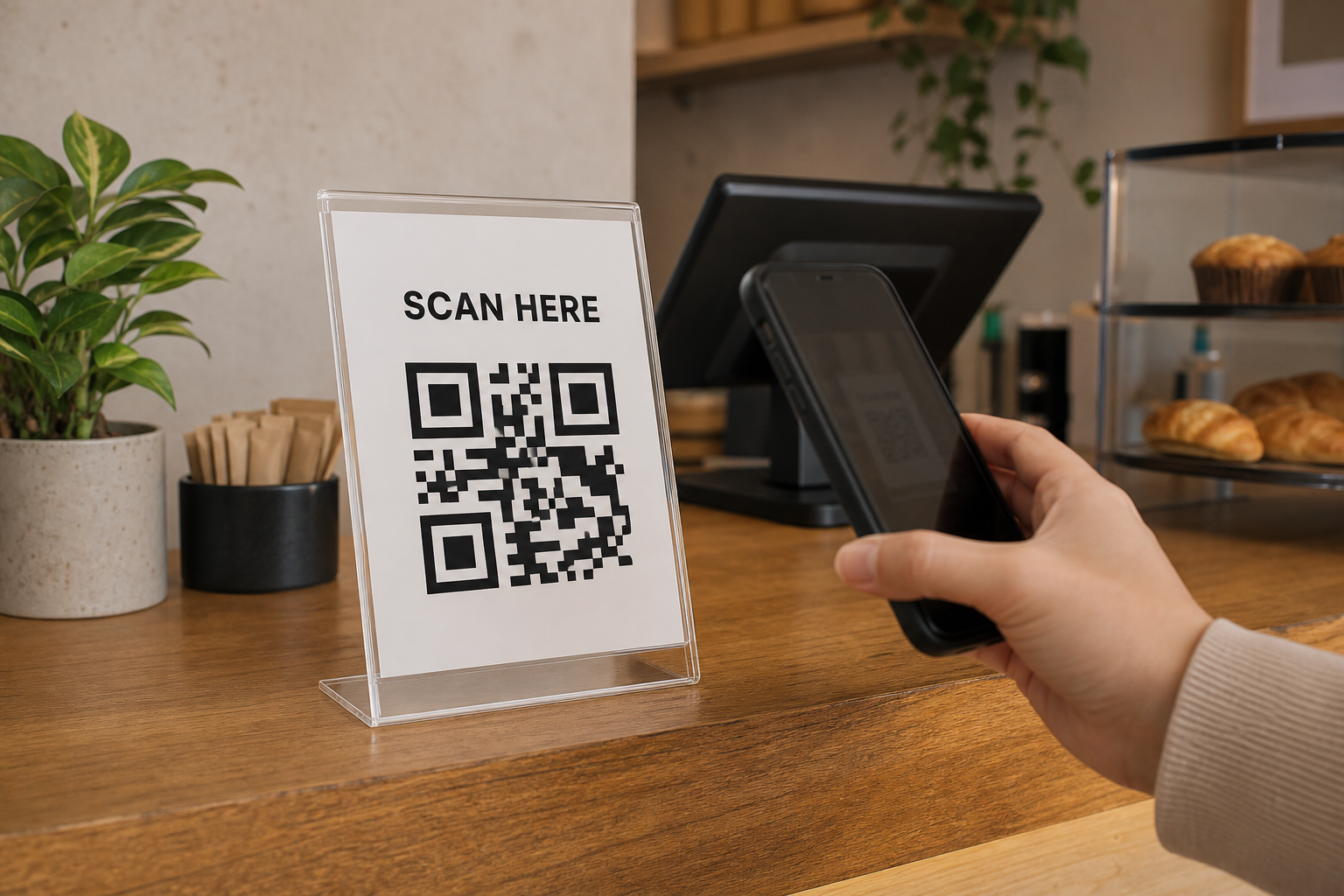
Replaceable acrylic insert: best overall
Choose this when the destination or wording may change. A portrait holder saves width; a landscape holder allows a wider heading or short explanation.
Browse category: Compare acrylic insert holdersQR code counter-sign guide
The best QR code sign tells a customer what will open, scans from the place they naturally stand, and points to a page the business keeps current. For most counters, start with a replaceable printed insert in a stable clear holder. It is easier to test and update than a permanent plaque, while still looking deliberate when the layout is simple.
Disclosure: As an Amazon Associate, we may earn from qualifying purchases and approved partner referrals.
Best flexible starting format
A replaceable insert lets the business revise the destination, label, or visual layout without discarding the display. Compare the holder’s insert size, base footprint, orientation, loading method, stability, surface reflections, edge finish, and care instructions.
This guide ranks formats by fit, not by hands-on product testing. A successful sign depends as much on the code, destination page, placement, and maintenance routine as on the holder.
Choose this when the destination or wording may change. A portrait holder saves width; a landscape holder allows a wider heading or short explanation.
Browse category: Compare acrylic insert holders
A slotted wood base can suit cafes, studios, and market displays. Verify slot thickness, card stiffness, base depth, finish, and stability before ordering.
Browse category: Compare wood tabletop holders
Use a permanent piece only when the destination and call to action are unlikely to change. Keep the source artwork and replacement plan available.
Browse category: Compare custom QR plaquesRe-test whenever the insert, holder, code artwork, destination, counter layout, or lighting changes. A code that worked in a design file is not proof that the finished counter sign will scan reliably.
Set the sign where the customer can hold a phone without reaching across payment equipment or blocking the next person. A slight angle may reduce reflections, but too much angle can make the code harder to frame. Test the complete display rather than assuming clear acrylic is invisible.
Measure the base, not just the printed face. Leave room for the card reader, register, scanner, tip jar, pickup items, bags, and normal hand movement. If the counter is already crowded, a nearby wall or raised shelf may work better; use the sign mounting and display guide to compare options.
Custom work is useful when a tested code and stable destination need exact brand colors, a specific footprint, or a more finished presentation than a printed insert. Prepare the final call to action, code artwork, destination URL, counter measurements, customer position, lighting photos, preferred orientation, and a replacement plan before contacting a maker.
For a small custom counter piece, share that brief with DaNite Sign Company and confirm the available project options directly. Start with the small-business sign planning guide if the message, audience, or viewing position is not settled.
A replaceable printed insert in a stable tabletop holder is the best starting format for most small-business counters. It makes iteration easier while the business tests the destination, wording, scan distance, glare, and customer flow. Move to a custom permanent plaque only after those decisions are stable and someone owns ongoing destination checks.
For broader checkout messaging, continue with the retail counter sign guide, or Browse category: compare acrylic QR sign holders on Amazon.