Best Hygrometers for Basements and Bathrooms
The best hygrometer is the one that shows whether damp air is a brief event or a persistent pattern. A readable digital model with a stated accuracy range and min/max memory suits most rooms; add remote sensors or app history only when you will actually use the extra data.
As an Amazon Associate, The Good Home Doc may earn from qualifying purchases.
Start with the room and the data you need: These affiliate category links are shopping starting points, not tested rankings.
- Browse category: Digital hygrometers with min/max memoryA practical first choice for checking one room at a glance.
- Browse category: Remote humidity sensors with a displayCompare when a basement sensor needs to be read from upstairs.
- Browse category: Humidity monitors with historyUseful when trends and alerts matter more than a current reading.
Confirm the maker's stated accuracy, operating range, refresh rate, battery type, app or hub requirements, mounting options, and moisture-exposure limits before buying.
A hygrometer measures moisture in room air; it does not locate a leak, measure moisture inside materials, diagnose mold, or prove that a room is safe. For the larger prevention plan, start with the home leaks and moisture prevention guide. If the concern is water appearing at an appliance rather than damp room air, compare a purpose-placed water-heater leak detector or the combination of washing-machine leak detection and limited containment pans instead.
Quick Picks by Situation
- Best for most bathrooms: a compact display with min/max memory and a stable shelf stand, kept outside the splash zone.
- Best for a basement you visit regularly: a large-display model with trend arrows or daily high/low memory.
- Best for a basement you rarely enter: a remote sensor with an upstairs console or dependable app history.
- Best for comparing several locations: a matched multi-sensor system that labels each room clearly.
- Best for documenting recurring patterns: a logger that exports or preserves history without requiring a paid subscription.
Bathroom and Basement Needs Are Different
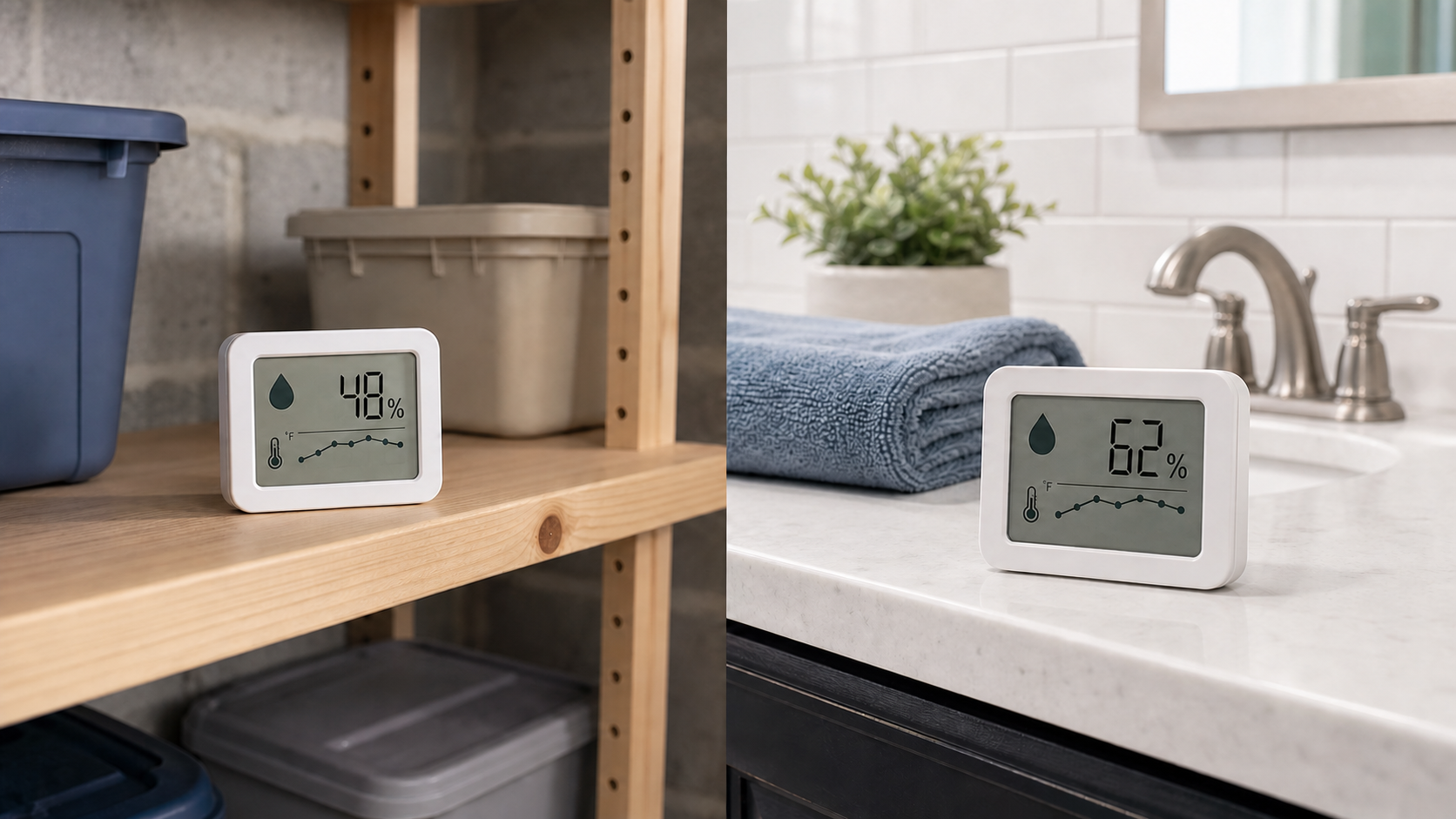
Bathroom humidity usually changes quickly. The useful question is whether the reading rises during a shower and then moves back toward the home's normal range after ventilation. Fast refresh, readable min/max memory, and placement away from direct spray matter more than months of stored data.
A basement can change slowly with weather, seasons, closed windows, and equipment use. Trend history and remote access can be more useful there, especially when the sensor is in a room you do not pass every day. Neither setting calls for a “waterproof” assumption: follow the product's stated operating and exposure limits.
Comparison Framework
Simple Digital Hygrometers
These show current relative humidity and temperature, often with a comfort icon or high/low memory. They are inexpensive, easy to move, and do not need an account.
Choose one if: you will look at it regularly and mainly need a room-level trend. Skip it if: the display is hard to reach or you need a record while away.
Remote Sensors with a Separate Display
A sensor stays in the basement or bathroom while a console sits elsewhere. Check the stated wireless range with walls and floors in mind, the maximum number of sensors, and whether the console identifies each location.
Choose one if: you want remote readings without relying on cloud service. Skip it if: the signal path is difficult or multiple unlabeled channels will create confusion.
App-Connected Monitors and Data Loggers
Connected models can preserve charts and send alerts, but “smart” may mean Bluetooth-only, Wi-Fi, or a separate hub. Check what still works when the internet is down and whether history remains available without a subscription.
Choose one if: a trend graph or alert will change what you do. Skip it if: you do not want accounts, permissions, hubs, or app maintenance.
Must-Have Selection Criteria
- A stated accuracy range: compare the manufacturer's humidity accuracy claim instead of assuming every display is equally precise.
- Useful refresh behavior: bathrooms benefit from responsive updates; slow changes are usually acceptable for basement trend checks.
- Min/max memory or history: this shows what happened between glances, not only the number at one moment.
- Readable display or clear labels: small digits and anonymous sensor channels make routine checks less useful.
- Simple battery access: choose common batteries and a compartment that remains reachable after placement.
- Appropriate operating limits: verify the device is intended for the temperature and humidity conditions where it will sit.
Nice-to-Have Features
- Trend arrows: a quick indication that the room is getting wetter or drying.
- Adjustable alerts: better than a fixed “comfort” label when seasons and local climate vary.
- Exportable history: useful for comparing ventilation or dehumidifier routines over time.
- Calibration offset: helpful when comparing several sensors, but not a substitute for a trustworthy specification.
- Local display plus remote history: keeps the device useful even when an app or connection is unavailable.
Placement and Comparison Checks
Place a bathroom sensor outside direct shower spray, away from the sink edge, and not directly beside an exhaust grille or open window. In a basement, avoid pressing it against a cold wall, setting it on the floor, or placing it directly beside a dehumidifier outlet. Aim for representative room air and follow the maker's clearance guidance.
When using two devices, place them side by side for a day before separating them. Small differences are normal; a large or persistent gap is a reason to check batteries, specifications, placement, and calibration instructions. Do not “correct” readings merely to make them match.
How to Read Trends Without Overreacting
Relative humidity moves with temperature, so one isolated number is weak evidence. Look for repeatable patterns: whether a bathroom clears after normal use, whether a basement stays elevated across several days, and whether changes correspond with weather, ventilation, or dehumidifier operation.
If you specifically need to check wood, drywall, or another material, a room hygrometer is the wrong tool. The home moisture meter decision guide explains what those tools can and cannot screen. Neither tool replaces investigation by an appropriate qualified professional.
Who Should Skip This Category
Skip another monitor if you already have adequate humidity history through a thermostat, dehumidifier, or home sensor system. Also skip app-connected models when you will not maintain batteries, notifications, permissions, and connectivity; a visible basic display is often more useful.
Do not delay action to collect more readings when there is active water, spreading staining, soft material, recurring strong musty odor, damaged wiring, or another urgent condition. Renters should document the issue and contact the property manager; homeowners should contact the qualified professional appropriate to the suspected source.
Bottom Line
Choose a simple digital hygrometer with a clear accuracy statement and min/max memory for a bathroom you use every day. Choose a remote sensor or logger for a basement when readings must travel upstairs or trends matter between visits. Good placement and repeatable patterns are more valuable than extra icons, and the device should prompt sensible investigation—not pretend to diagnose a building problem.